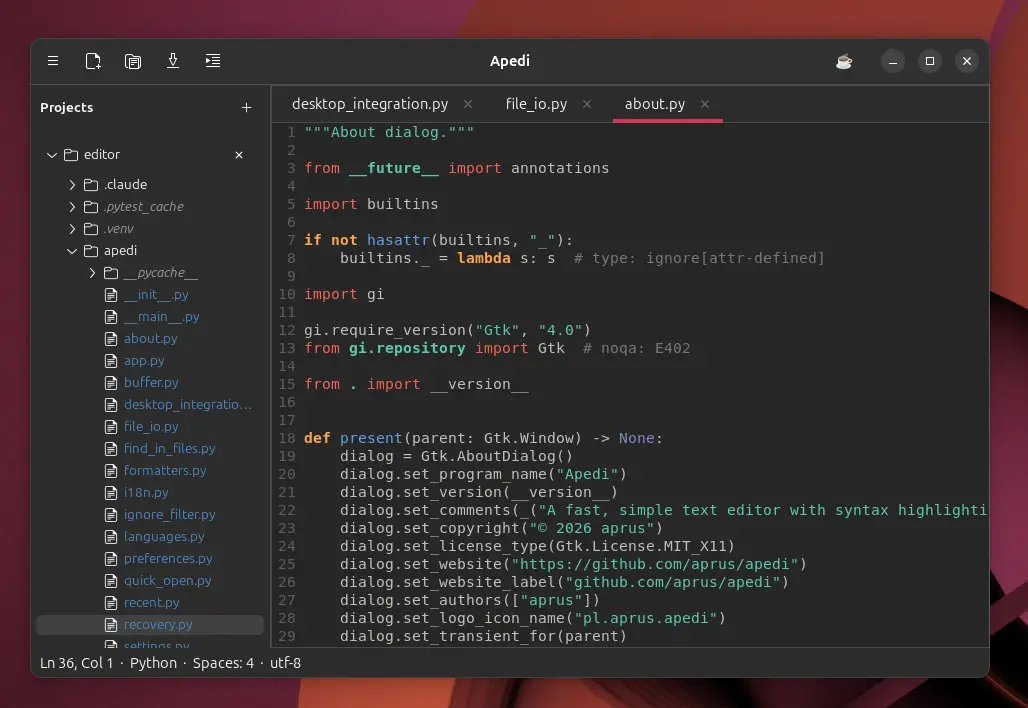
From the first line to the final commit. Apedi combines the simplicity of a text editor with the tools you reach for every day.
01
Projects without the clutter
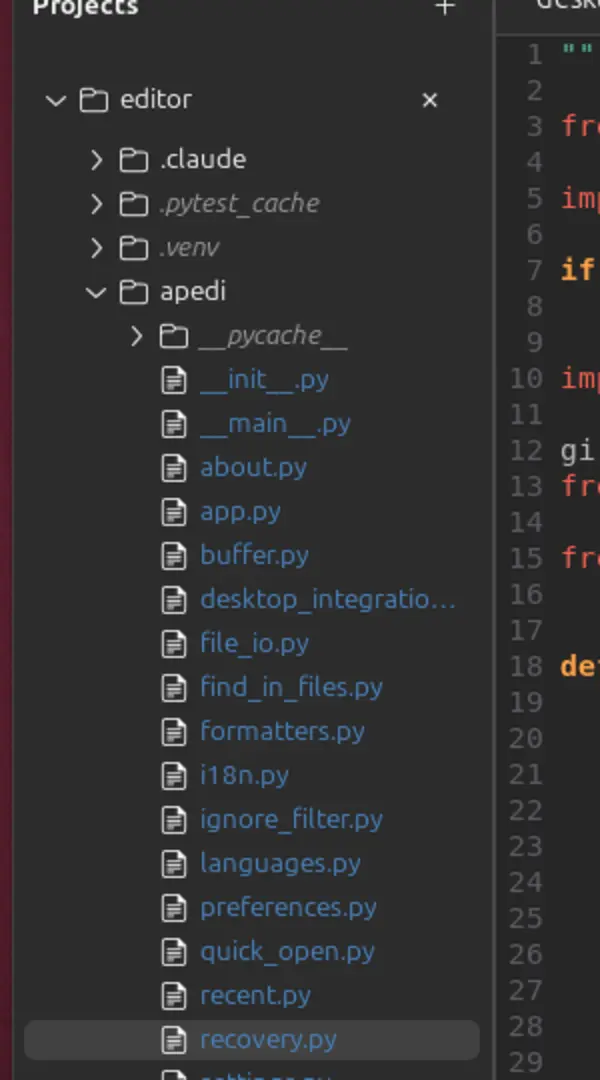
Keep multiple projects in one sidebar, with colorful file icons, git status colors, automatic reveal of the active tab, and full .gitignore awareness. Right-click any file to copy it or its path.
02
Format with one shortcut
Black, Prettier, gofmt, rustfmt, clang-format, and shfmt are bundled and ready to go. Files no formatter handles get a whitespace cleanup instead.
Ctrl+Shift+I
blackprettiergofmtrustfmt
03
Find it. Open it. Move on.
Quick Open, Go to Symbol across every project, and Replace in Files with a preview of each match - without taking your hands off the keyboard.
format document⌘ K
↳ Format documentCtrl ⇧ I
⌕ Find in filesCtrl ⇧ F
⌁ Go to symbolCtrl M
04
Your terminal, right by your code
An integrated, multi-tab VTE terminal with bash and zsh. Run Makefile, npm and Composer tasks with one shortcut, without switching windows.
zsh
~/apedi› pytest -q 68 passed in 0.42s ~/apedi›
05
Live Markdown preview
Write and preview side by side. Synced scrolling, tables, task lists, local images, an outline, and export to HTML or PDF are all built in.
# Roadmap

- [x] Editor
- [x] Preview
- [ ] Ship it

```python
print("Hello")
```
Roadmap
☑ Editor
☑ Preview
☐ Ship it
print("Hello")
06
Your work stays safe
Autosave, crash recovery, external file monitoring, and complete session restore keep your work where you left it.
✓Savedyour changes are safe
↻Session ready3 tabs · 1 project
Native and fast
Stays out of the way. Until you need it.
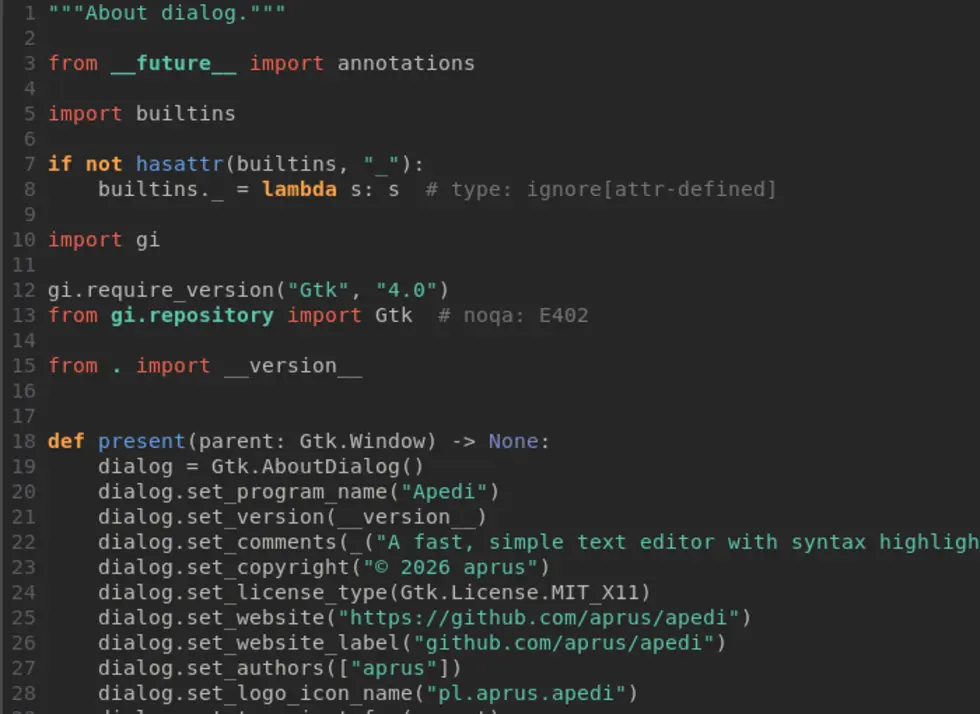
Built with GTK 4 and GtkSourceView 5, Apedi starts quickly, feels at home on your desktop, and never gets between you and your text.
01
Focused from the first launchSensible defaults with no setup ritual.
02
Shortcuts you can rememberThe Command Palette keeps every action in one place.
03
Light, dark, or systemThe interface automatically follows your desktop.
Command PaletteCtrl + Shift + P
AA
And there is more
The details that make a difference.
✣
Code minimap
See the shape of a long file and jump straight to the right place.
⌁
Snippets
Fast expansions for Python, JavaScript, HTML, and other languages.
⇄
Multiple tabs and windows
Arrange your work your way and return to it with session restore.
文
English and Polish
A gettext-based localized interface, ready for more languages.
↻
External file changes
Reload automatically, or choose to keep your edits — a backup is written either way.
≡
Tidy up pasted text
Fix line endings, indentation and blank lines, and rejoin lines a terminal broke apart.
↯
Drag and drop
Open files naturally, with your recent documents always close at hand.
◫
Split editor
Two tab groups side by side, so the test and the code it covers stay in view.
±
Git at a glance
Change bars in the gutter show what you edited since the last commit, as you type.
Ready for your first tab?
Install Apedi.
Available on Linux distributions with Snap support. Free, open source, and independently developed.